Edit Channel List
Before you can edit the channel list, Channel Scan must be completed first.
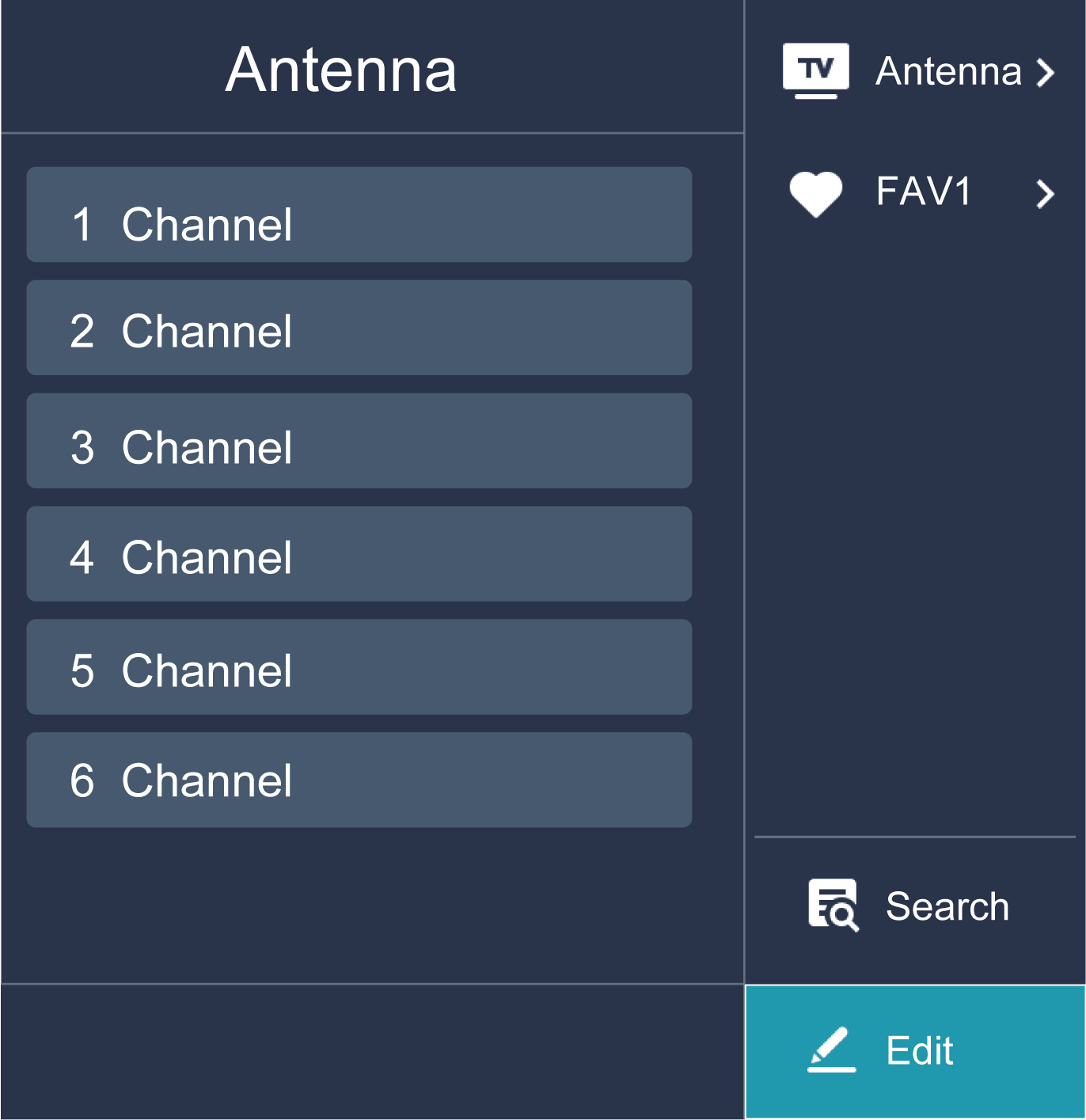
Manage the Channels
In Live TV, press  >
>  to select a Live TV channel category such as Antenna or Cable, then use D-pad to select .
- Delete:
- Select the channel you want to delete, or press to select more channels.
- Press button to delete.
- Restore:
- Press
 [RED] button or press
  button to display the colour menu and select RED to enter the list of deleted channels.
 - Press
 button to restore the deleted channel you choose.