Connect to a Wireless Network
To connect to an available wireless network, make sure that you turn on your wireless router and have the wireless router's SSID and password before attempting to connect.
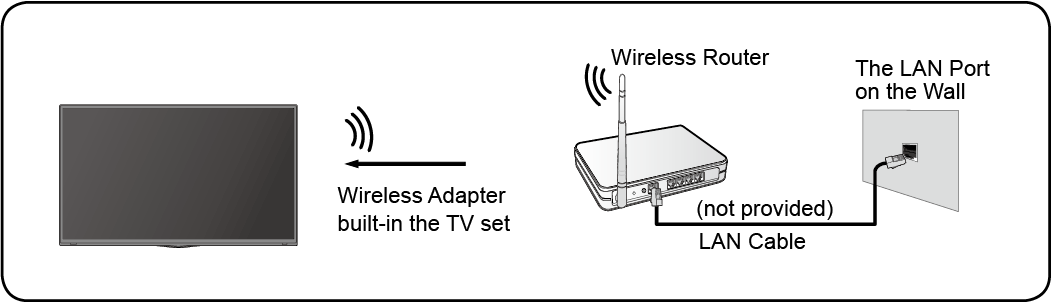
To get access to the Internet using a wireless connection:
Press  button on your remote control to select
To get access to the Internet in a wireless way:
- Turn on your .
- The list of networks will display automatically.
- Select a wireless network from the list, and input the password.
- If the network connection does not appear in the list, select to display all the list, or select to input a wireless network name, select the type of security mode, and enter password.