Connecting a Digital Audio System with ARC/eARC
If you would like to use the ARC(Audio Return Channel)/eARC(enhanced Audio Return Channel) feature to send sound from the TV by a HDMI cable to a digital sound system, you can connect it to the HDMI (ARC/eARC) port of your TV.
By using this feature, you can also control the sound system with your TV remote instead of using the remotes for each device.
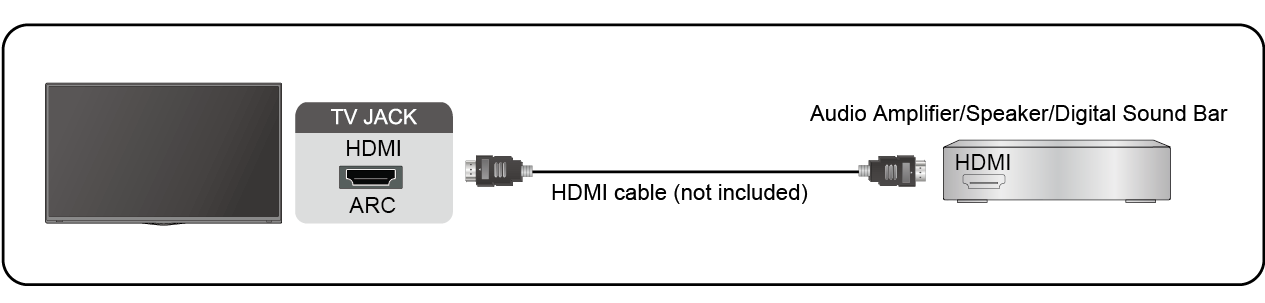
After the connection:
- Power on the sound system.
- Press
 button on your remote control to select
Note:
- Audio receiver must support ARC/eARC function.
- If the device has an Input Selector feature, then make sure to change it to TV.
- When this port is used for ARC function, it can be used as signal input when a DVD is connected to an amplifier and the amplifier is connected to the TV at the same time. Some amplifiers may not support series connection.
- 5.1 CH (channel) audio is available when the TV is connected to an external device that supports 5.1 channel surround sound. You can press button on your remote control to select to choose to receive the 5.1 channel audio.