Connecting Speakers or Other Audio Receivers
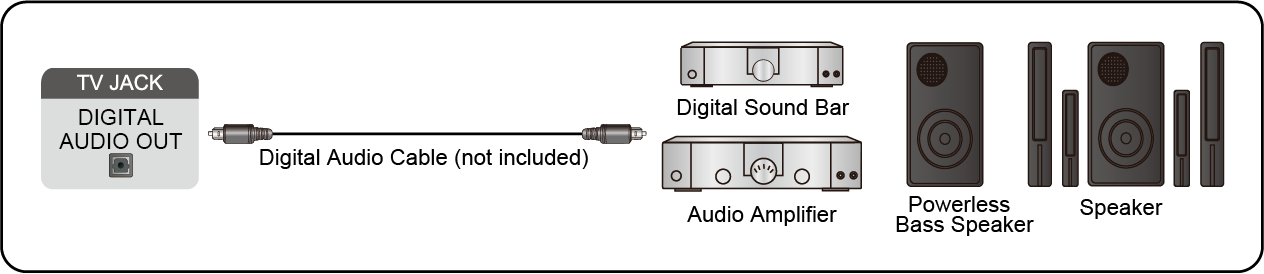
To connect speakers or other audio receivers with an audio cable (not provided), see the illustration below.
Ensure the audio connected devices are switched on before switching on the TV.
When a digital audio system is connected to the DIGITAL AUDIO OUT port, decrease the TV volume, and use your digital audio system to control the volume.
Note:
- If you prefer to use Audio Return Channel/Enhanced Audio Return Channel, please refer to Connecting to External Devices > Connecting a Digital Audio System with ARC/eARC in this manual.
- You can connect the DIGITAL AUDIO OUT port on the back of the TV to the optical port on the amplifier. Then go to
 > Settings > Display and sound > Audio Output > Digital Audio Output to choose to receive the Dolby Digital audio.