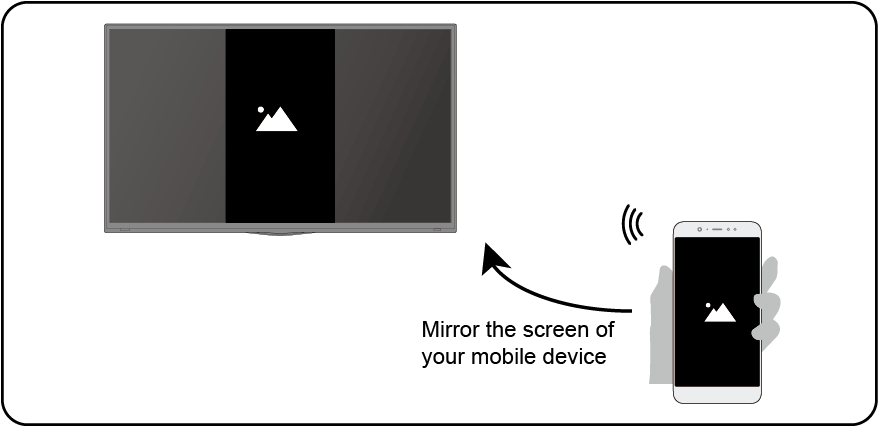
Sharing your Smart Phone/Computer Screen on the TV
Mirror content from your mobile device to the TV. View videos, photos and more from your device on your TV screen.
Press  button to select , and select or
  > Settings > Apps > Screen Sharing.
- Connect your mobile device to the WLAN network.
- Turn on the casting function of your Android/Windows10 device. The function name and location will be different according to your device. The feature may be called "Wireless display", "Smart view", "Wireless projection", etc.
- Find the TV name in the searching list of your device and select it to connect to your TV. Your mobile device's screen will be mirrored once you select your TV. You can close Screen sharing application with BACK or EXIT button.
Note:
- Some mobile devices may not support casting feature.