Edit Favorite Channel List
Before you can edit the favorite list, Channel Scan must be completed first.
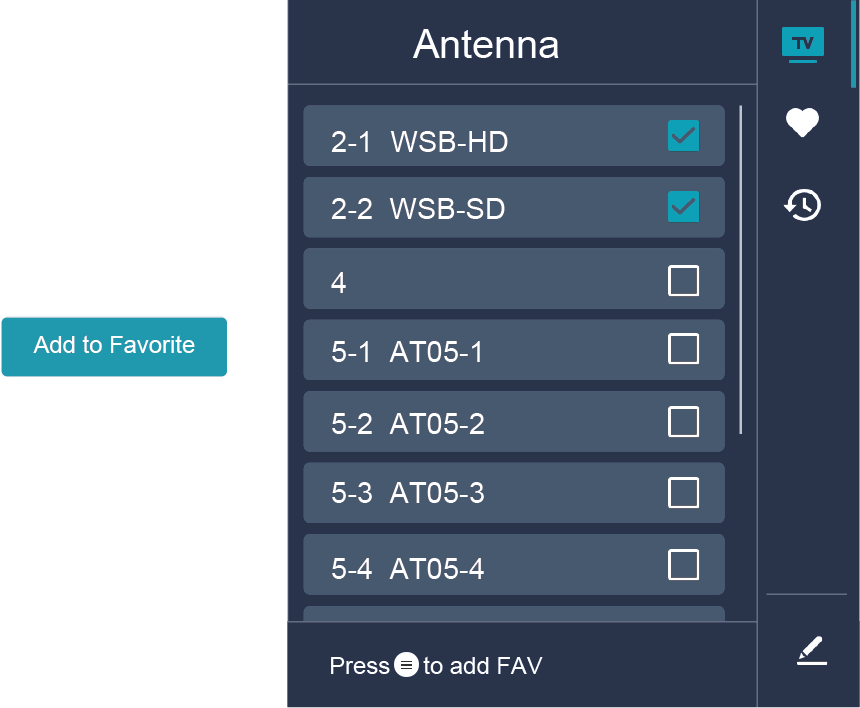
Add a channel to a favorite list
You can add channels from various reception types to the favorite list.
- In Live TV, press
 button to display the channel list.
 Press
 button, select the channel(s) you want to add to the favorite list by pressing button.
Press
 button to select .
press
button to confirm.Then, a heart-shape icon will appear next to the added channel.
Move or remove channels in a favorite list
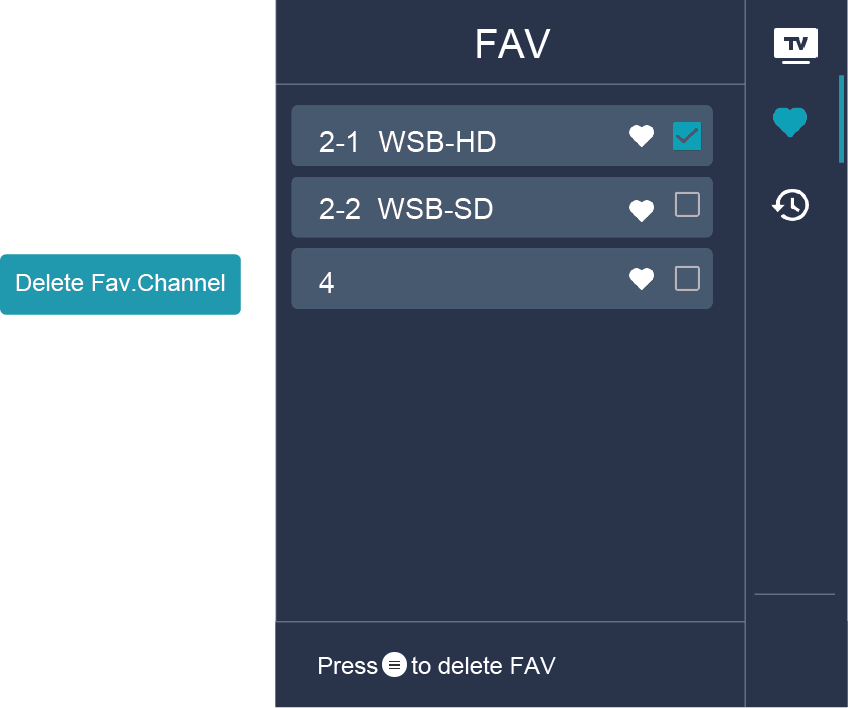
If you want to remove favorite channels:
- In Live TV, press >
 >
>  to select , and press button to display the favorite list.
 - Press , select the channel(s) you want to delete to the favorite list by pressing button.
- Press button to select .
- Then a heart-shaped icon will disappear on FAV list.
Note:
- These steps should be operated under TV inputs.
- Before you edit the favorite lists,complete channel scan first.